Get Started
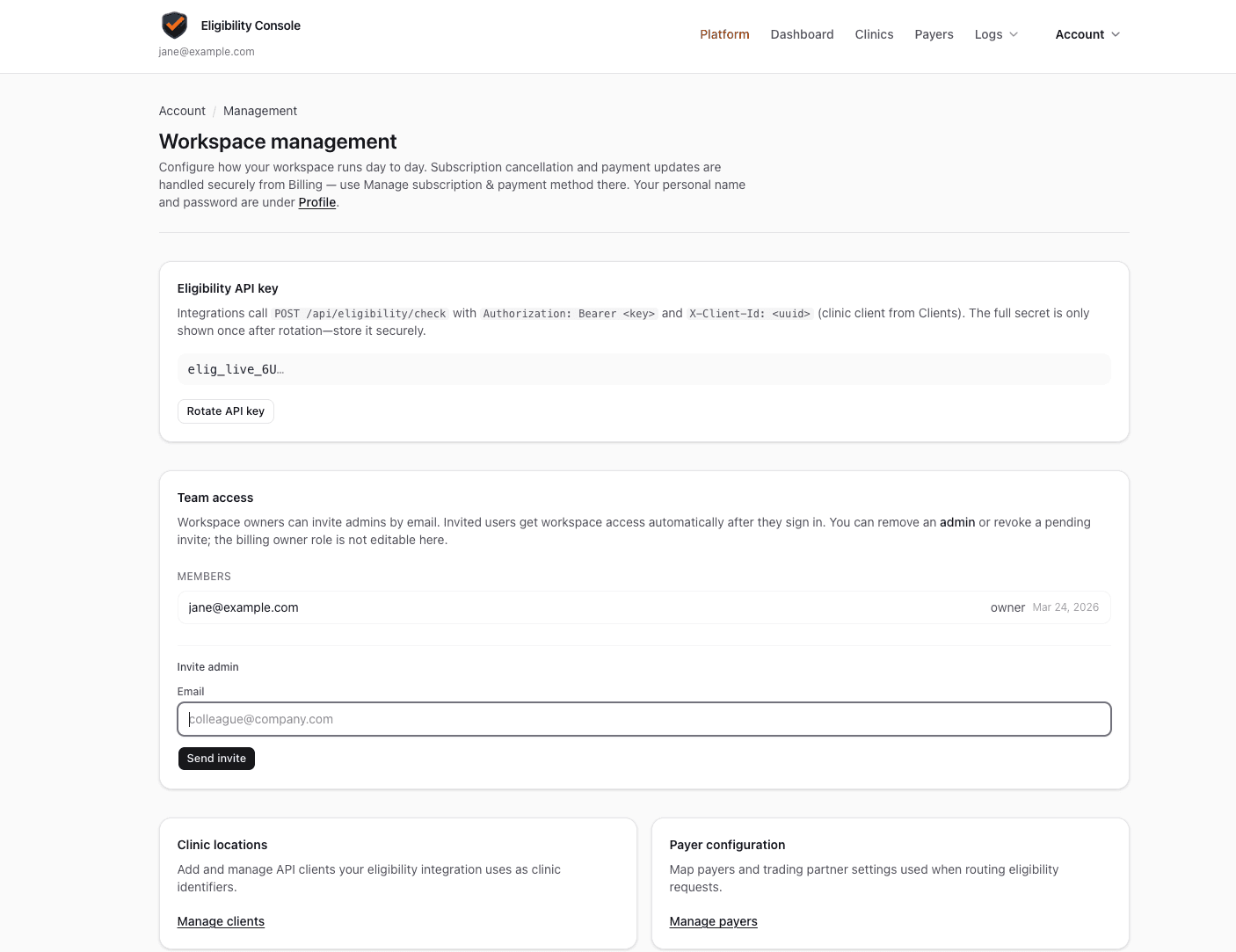
Get your API key
An API key authenticates your requests to the eligibility.dev API. Keys are scoped to your workspace — one key works for all clinics in your account.
Generate a key
- 1In the dashboard, click your workspace name or go to Account in the navigation.
- 2Find the API keys section and click Generate key.
- 3Copy the key immediately — it is shown once. Store it in your environment variables (e.g.
ELIGIBILITY_API_KEY).
Using the key
Include the key as a Bearer token in the Authorization header on every request:
Authorization: Bearer sk_live_...Keep it secret
API keys grant full access to your workspace. Never expose them in client-side code, public repos, or logs. Use environment variables and secret managers.